探索
應用程式 · 作者 gizlet
Emulation Center
Install and update RetroArch and PPSSPP, then open them on the games already on your TF2 card.
在任何 Gizlet 裝置上打開:選 GitHub,再輸入後面的部分
github.com/gizlet/emulation-centerv0.2.0MIT2026年11月27日
截圖
介紹
Emulation Center puts emulators on your Gizlet handheld and opens them on the games you already have.
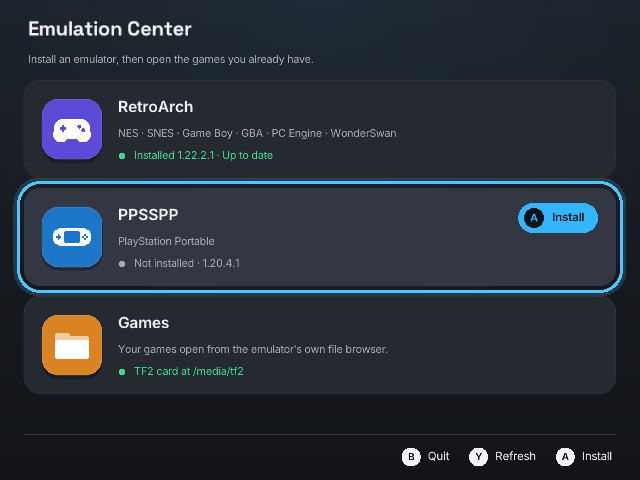
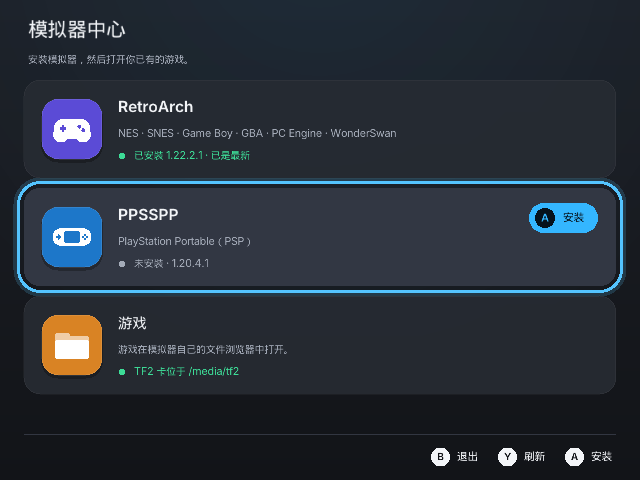
- Choose an emulator. RetroArch covers NES, SNES, Game Boy, Game Boy Advance, PC Engine and WonderSwan; PPSSPP plays PSP games.
- Install and update each one on its own. The center downloads it from the Gizlet Store, checks the download and installs it, and offers an update when a newer release is out.
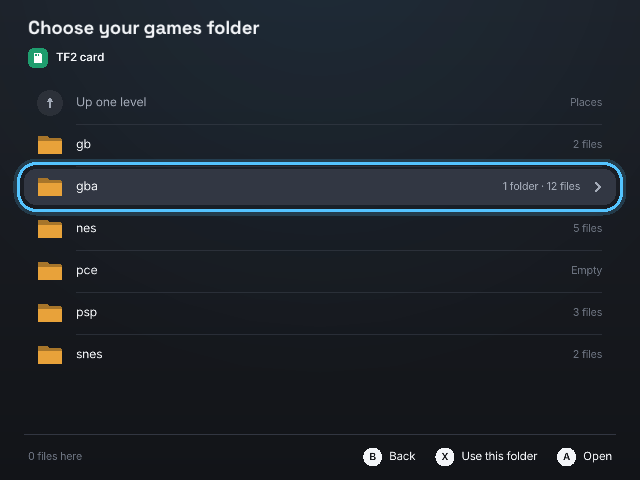
- Find your games. It opens the emulator on your TF2 card, wherever it is mounted, or in a folder you choose. Your card is only read.
Open your games from the emulator's own file browser. Emulation Center contains no games, BIOS files or game artwork, and RetroArch and PPSSPP carry none either.